
Creating Your First Search Page #
This guide walks you through creating a WordPress page that displays adoptable animals from your shelter management system.
Prerequisites #
Before you begin, make sure you have:
- PetMatchPro installed and activated
- Your shelter system API credentials entered (see Connecting Your Shelter System)
Step-by-Step Setup #
1. Create a New Page #
- In your WordPress admin, go to Pages > Add New.
- Give your page a title, such as “Adoptable Animals” or “Available Pets”.
2. Add the Search Shortcode #
Add the following shortcode to the page content:
[pmp-search]
That’s it! This basic shortcode displays all adoptable animals using your default search template.
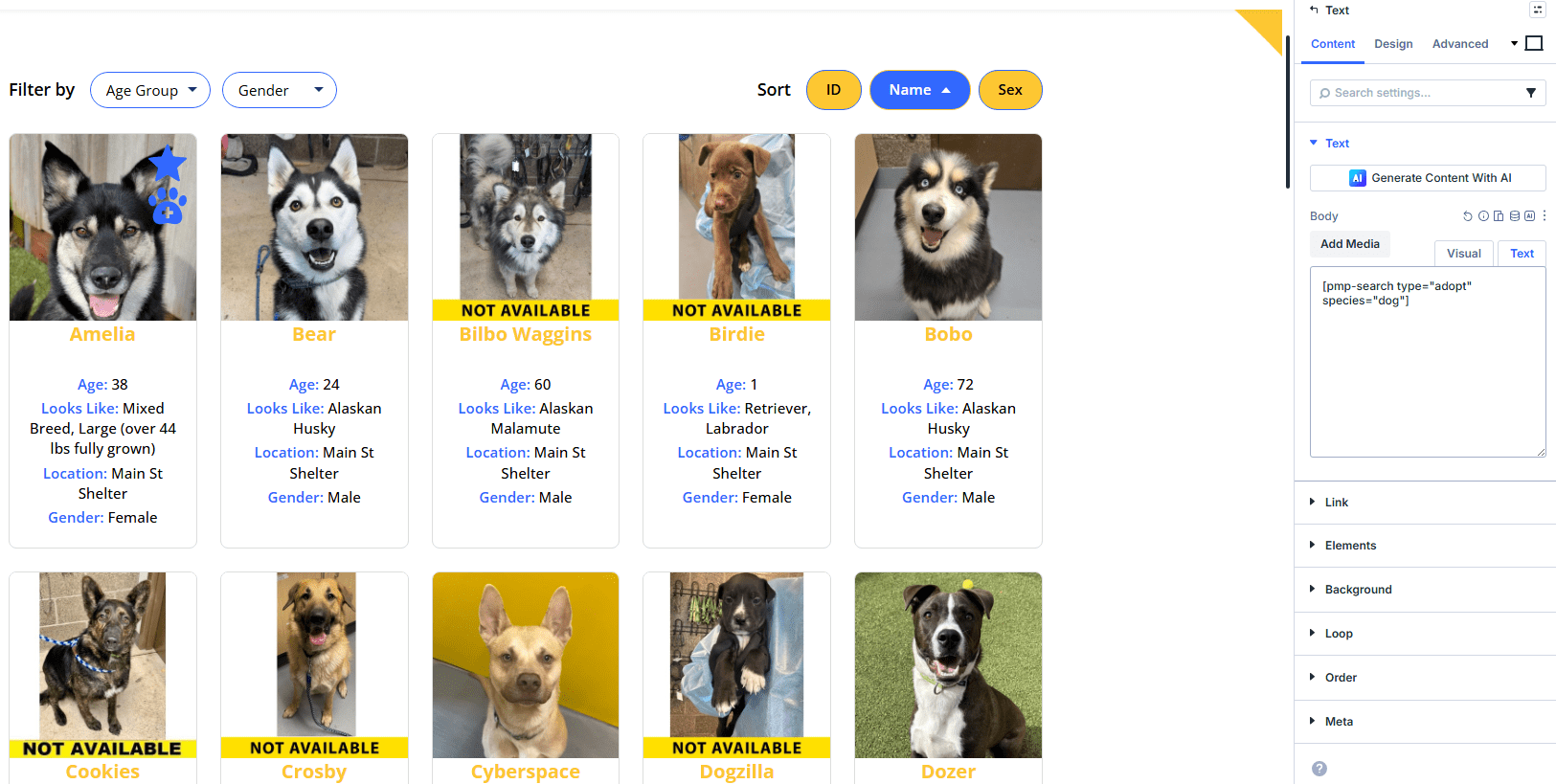
3. Publish the Page #
Click Publish and then View Page to see your search results.
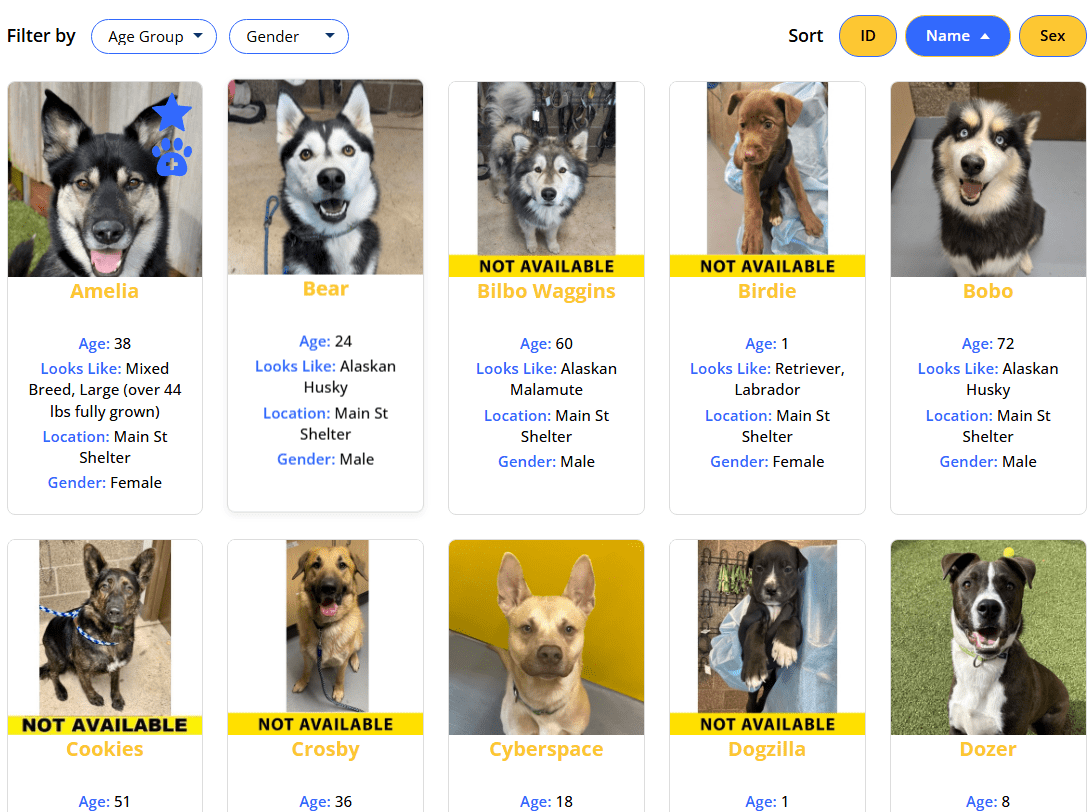
Basic Customization #
You can customize the search display by adding parameters to the shortcode:
Show Specific Fields #
Use the details parameter to control which animal fields appear:
[pmp-search details="Name,Breed,Sex,Age"]
Filter by Species #
Use the type parameter with the species filter to show only specific animals:
[pmp-search filter="species" type="adopt"]
Choose a Search Template #
If you have a Junior or Preferred license, you can select a different template:
[pmp-search template="adopt-search-carousel"]
Requires Junior license or higher.
Enable Search Filters #
Let visitors filter results by species, breed, and other criteria:
[pmp-search filter="enable"]
Example Shortcodes #
Basic adoption search:
[pmp-search type="adopt"]
Adoption search with custom fields:
[pmp-search type="adopt" details="Name,Breed,Sex,Age,Photo"]
Dogs only:
[pmp-search type="adopt" species="Dog"]
Adding to Your Menu #
After publishing, add the page to your site navigation:
- Go to Appearance > Menus.
- Select your search page from the Pages list.
- Click Add to Menu.
- Click Save Menu.
Next Steps #
- [pmp-search] Reference — Full parameter reference
- Creating Your First Detail Page — Set up individual animal profiles
- Common Shortcode Recipes — Copy-paste examples for common setups


