
How to Contact Support #
If you’ve tried troubleshooting on your own and still need help, here’s how to reach PetMatchPro support and what to include for the fastest resolution.
Contact Methods #
Email Support #
Email wecare@petmatchpro.com with details about your issue.
In-Plugin Support Link #
If you’ve configured a support email in PetMatchPro > Contact, error messages include a direct “contact support” link that opens an email pre-filled with the error details.
What to Include in Your Support Request #
The more information you provide, the faster we can help. Please include:
1. Environment Details #
| Detail | Where to Find It |
|---|---|
| PetMatchPro version | PetMatchPro > Tools > System Info, or the plugin list in WordPress admin |
| WordPress version | Dashboard > Updates, or bottom of any admin page |
| PHP version | PetMatchPro > Tools > System Info, or Tools > Site Health |
| Integration partner | PetMatchPro > General Options |
| License tier | PetMatchPro > License Information |
2. The Problem #
- What you expected — What should have happened
- What actually happened — What you see instead (error message, blank page, wrong layout, etc.)
- Steps to reproduce — How can we trigger the same issue?
- When it started — Did this work before? What changed? (plugin update, theme change, hosting migration, etc.)
3. Screenshots #
- A screenshot of the issue on the front end of your website
- A screenshot of your shortcode (edit the page and show the shortcode text)
- A screenshot of the relevant admin settings
4. Browser Console Errors (If Applicable) #
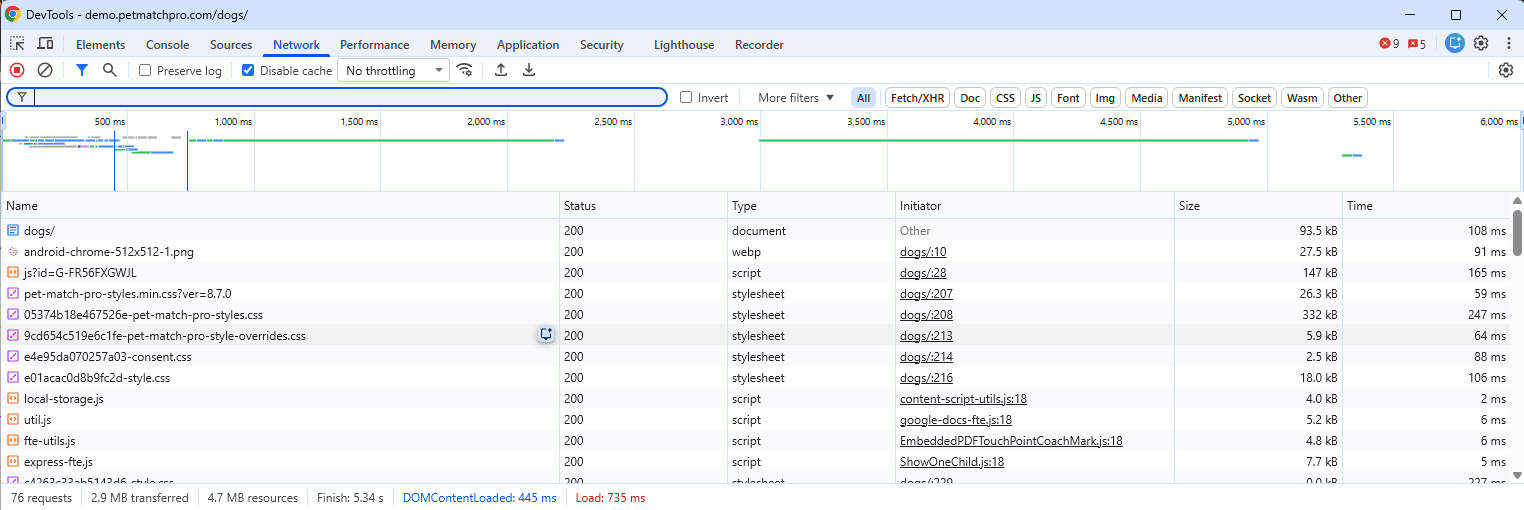
- Right-click on the problem page and select Inspect.
- Click the Console tab.
- Screenshot any red error messages.
5. Your URL #
If possible, include the URL of the page where the issue occurs so support can view it directly.
Built-In Diagnostic Tools #
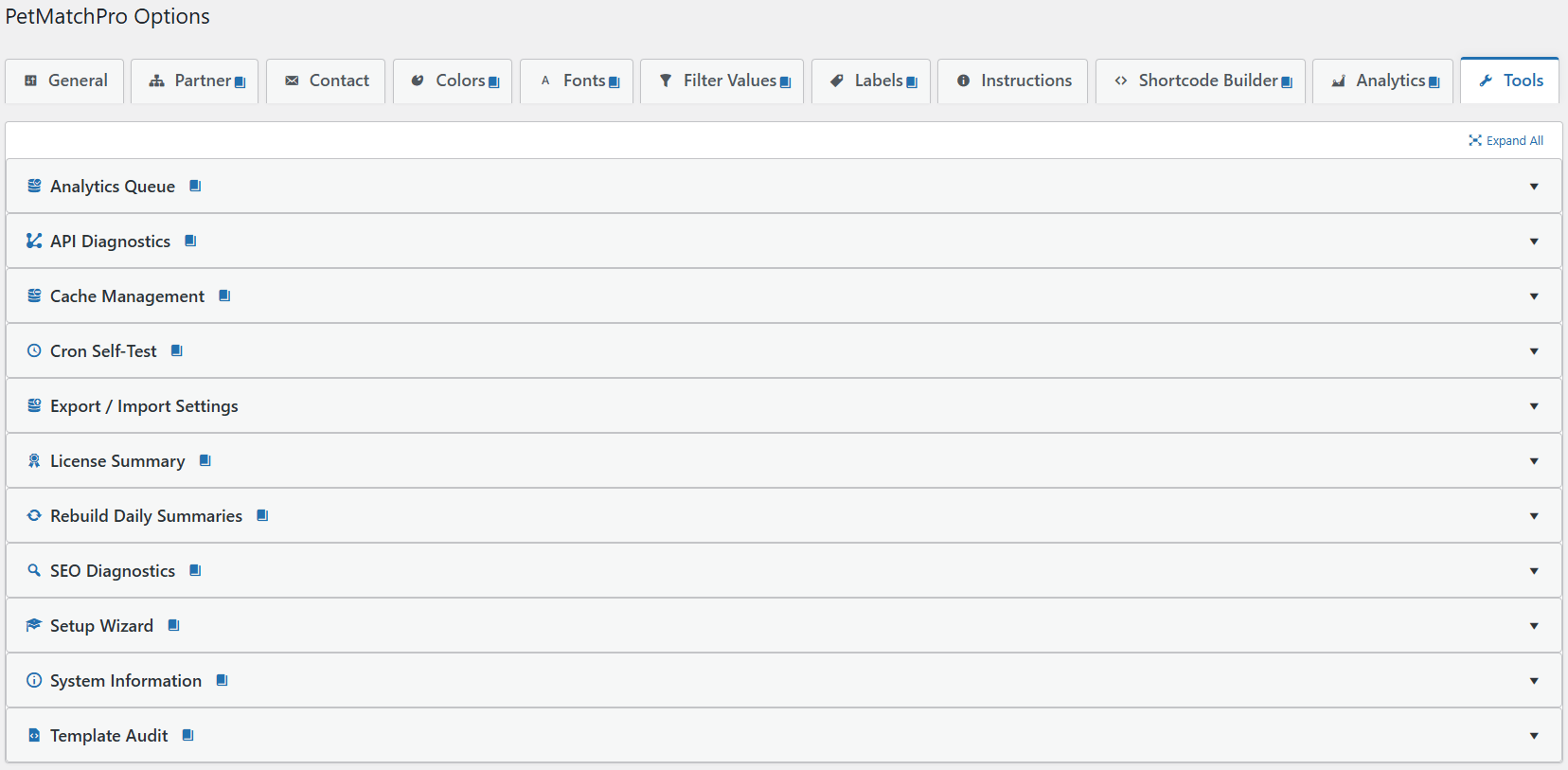
Before contacting support, check the Tools tab in PetMatchPro admin. These tools can help you identify common issues:
| Tool | License | What It Shows |
|---|---|---|
| API Diagnostics | All tiers | Tests your API connection and shows response details |
| Setup Wizard | All tiers | Re-run the guided setup to reset configuration |
| System Information | All tiers | Your server configuration, PHP version, and WordPress environment |
| License Summary | All tiers | Your active license tier and what it unlocks |
| Cache Management | Junior | Clear PetMatchPro cached API responses, filter values, and color styles |
| Template Audit | Junior | Checks template file integrity |
| Export/Import Settings | Junior | Back up or migrate your PetMatchPro settings |
| SEO Diagnostics | Preferred | Inspect SEO output (titles, meta, structured data) on detail pages |
| Analytics Queue | Preferred | Inspect the analytics event queue depth and last flush time |
| Cron Self-Test | Preferred | Verify WP-Cron is running the analytics rollup on schedule |
| Rebuild Daily Summaries | Preferred | Force-rebuild the analytics daily summary tables |
Tips for Faster Resolution #
- Be specific — “Animals don’t show” is less helpful than “Adopt search shows ‘no results’ error but I have 50 animals in PetPoint”
- Include the shortcode — Copy the exact shortcode from your page
- Check the KB first — Many issues are covered in these Knowledge Base articles
- One issue per email — If you have multiple issues, send separate emails so each can be tracked
Next Steps #
- Common Error Messages — Understand what errors mean
- Animals Not Displaying — Self-service debug checklist
- Installation & Activation — Start from scratch if needed
How to Contact Support
ultima modifica: 2026-03-25T19:41:46-04:00
da


